
Before getting started, copy the Global Snippet and paste it in the "before </body> tag" section in your page setup.
</> Global snippet
CopyNext, copy the 3D Model Snippet below and paste it into the custom code <div> container on your item setup page.
</> Model embed snippet
CopySimply paste an image URL from your website, and 3D‑Xpress will automatically generate a code snippet that creates a 'View-in-Your-Room' button, enabling a realistic 3D model ready for AR viewing.
No API key detected
Please add one via 'Manage API keys' above to activate 3D‑Xpress on your site
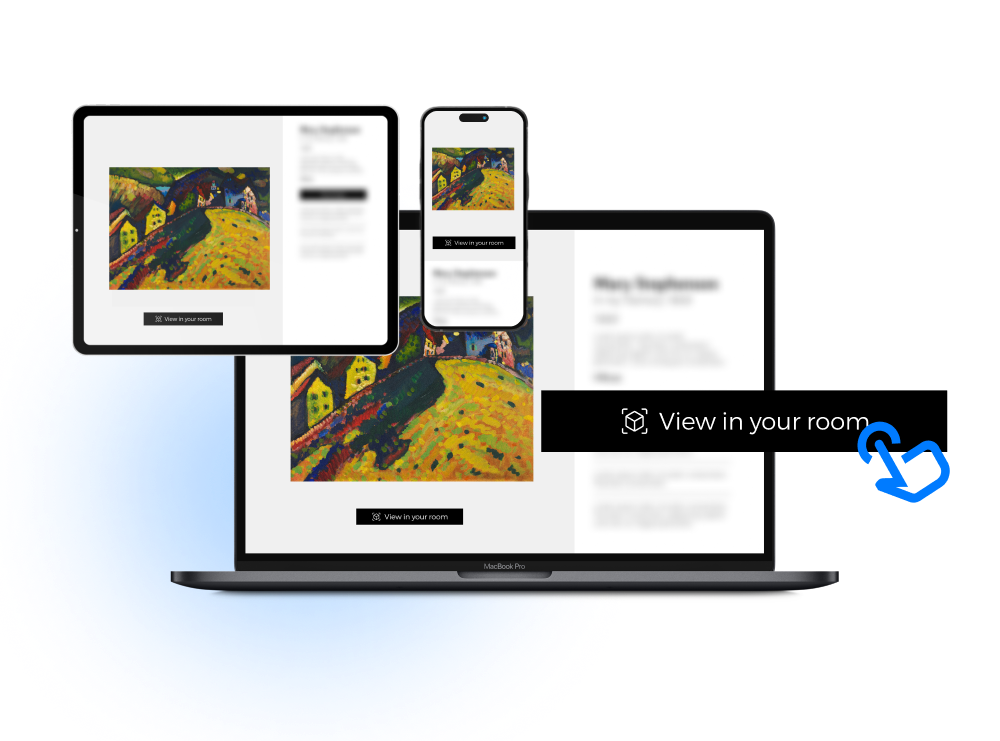
3D-Xpress enables buyers to preview art on their own walls
3D-Xpress is a lightweight web component that transforms any existing product image—already hosted on your site (Wix, Squarespace, Shopify, etc.) into an interactive 3D model.
Instantly enable your entire site
Create AR experiences for all your artwork
Easy to implement
Simply copy and paste snippets to your site
Works on any webpage
Including Shopify, Squarespace, Webflow, Wix, Wordpress...

