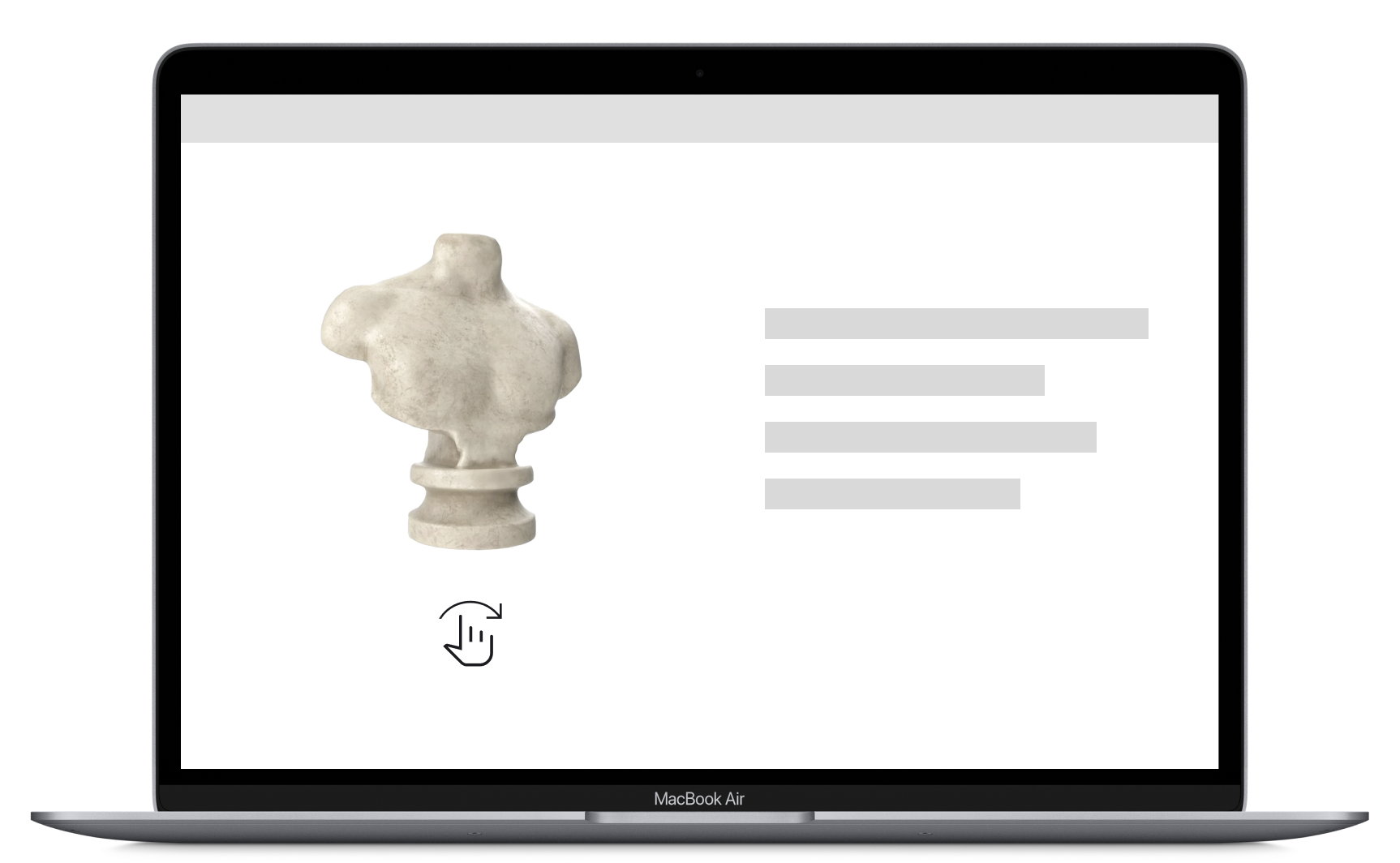



View model in your room

Your device does not support AR view, please scan below QR code with your phone to view your model in your room

(ad space)

</> Embed your model

Embed 3D model directly on your webpage

Show interactive model right on your page by placing model embed snippet inside </> Code embed div

Get snippet
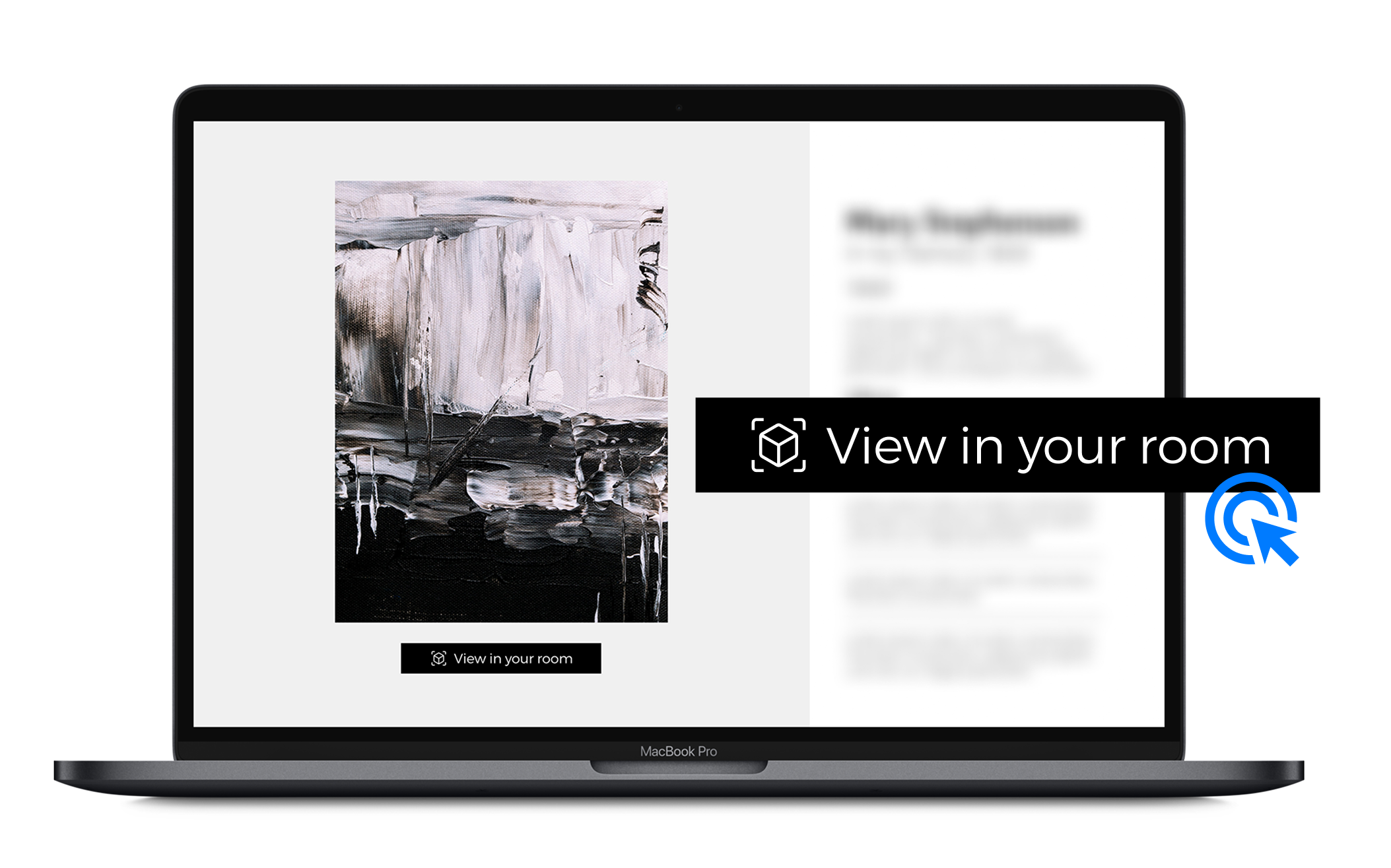
Add as a “View in your room” button on your webpage

Turn your 3D model into an AR experience, letting viewers place it in their own space. Place snippets in </> Code embed div.

Start

</> Embed model directly on webpage

Upgrade to Pro+
Thank you! Your submission has been received!
Oops! Something went wrong while submitting the form.

Add as a "View-in-your-room" button on your page

1. Verify your API key

You have no API key

API key detected

Manage API key

2. Copy snippets

Before getting started, copy the Global Snippet and paste it in the "before </body> tag" section in your page setup.

</> Global snippet

Copy

Next, copy the 3D Model Snippet below and paste it into the custom code <div> container on your item setup page.

</> Model embed snippet

Copy
Thank you! Your submission has been received!
Oops! Something went wrong while submitting the form.
Description
Description
Thank you! Your submission has been received!
Oops! Something went wrong while submitting the form.

AR placement

Anchor
Thank you! Your submission has been received!
Oops! Something went wrong while submitting the form.
Model Embed Code
For displaying on your own website
Enable
For displaying on your own website
Disable

Source images

Source images